Stop Drowning in Paperwork. Let Custom AI Built For Your Business Do the Heavy Lifting.
Deploy Maple Memory, a customised AI system with persistent memory. We build affordable, done-for-you pipelines that securely automate your document workflows without exposing data. Your privacy is our priority.
Helping local teams reclaim 1,000+ hours a month.
Our Work
View all case studies →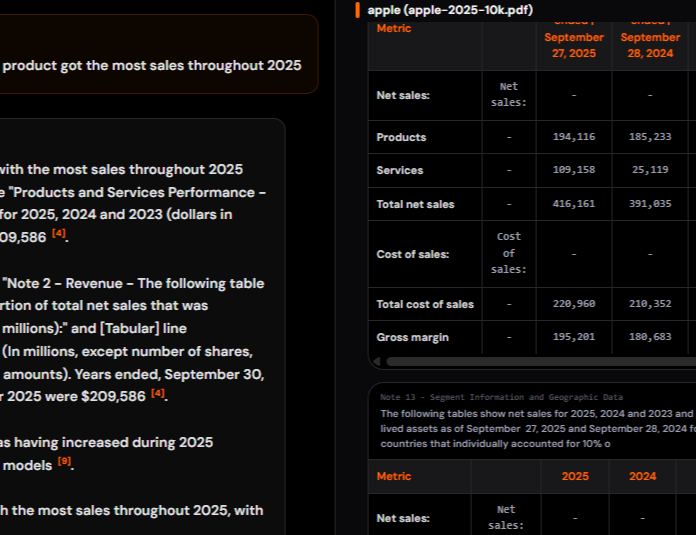
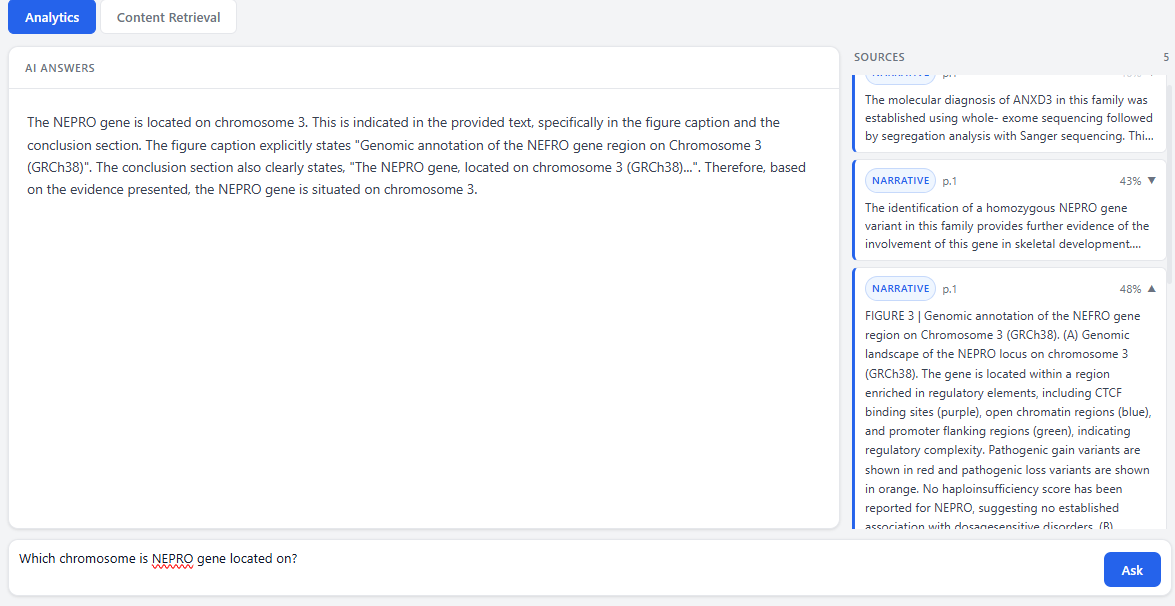
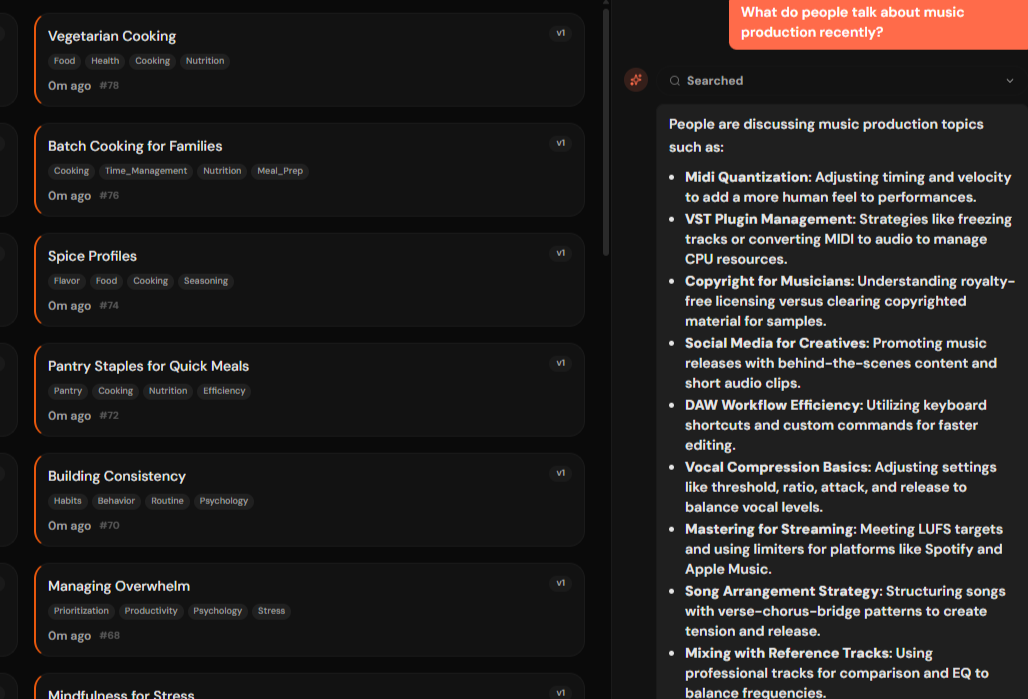
Meet Maple Memory: Custom AI For Your Business.
We configure a behind-the-scenes intelligence layer with persistent memory that reads your documents and securely organises your data automatically.
We Map Your Workflows.
We sit down with you and figure out exactly where a customised AI can take over your complex data entry.
We Deploy Maple Memory.
We configure a secure AI system with persistent memory that reads your PDFs, emails, or forms and instantly routes the data securely.
You Get Your Time Back.
The system runs automatically in the background as a tailored, dedicated alternative to off-the-shelf LLMs. You never touch any code.
Is this going to cost a fortune or require an IT team?
Absolutely not. Off-the-shelf software is rigid, and hiring an in-house developer costs six figures. We bridge the gap.
Public AI
- Hiring full-time admins to copy-paste AI outputs
- Risking sensitive business data on public models
- AI instantly forgets the context of your business
- Paying £80,000+ for standard integrations
Maple Memory
- ✓ An affordable, custom AI built for you
- ✓ AES-256 encrypted local memory
- ✓ Perfect persistent memory across workflows
- ✓ Fully managed, secure integrations
You Didn't Start a Business to Do Data Entry.
But "Standard AI" Isn't
Helping.
Right now, your team spends hours manually copying information, and public AI tools aren't built to securely integrate with your workflows.
System Redundancy
Typing the exact same client information into multiple systems repeatedly.
Document Chaos
Digging through messy email attachments just to find the right document or version.
Amnesiac AI
Using public tools that forget previous conversations and can't securely access your internal data.
Human Error
Worrying about mistakes or human error when copying critical numbers and data.
Thinking Out Loud
About Automation.
Let's Look at Your Messiest Process.
Send us a blank version of the form, invoice, or document that causes you the most headaches. We'll show you exactly how we can automate it.
We usually respond within 24 hours with a custom automation plan.